

Most Effective Accounting Software With Lots of BIR Reports
GUARANTEED ONE TIME PAYMENT!
Avail the most cost-effective accounting software in the Philippines
with complete BIR report generation for SMEs.
Find the Right Plan for your Business!
BER Months Promo: Get AutoCount Software for 2026!
Start the new year with confidence — enjoy one-time payment, lifetime access, and effortless BIR compliance.

AutoCount Accounting empowers trading and distribution businesses in the Philippines with an all-in-one platform designed to simplify operations, boost efficiency, and improve financial accuracy.
The Best Accounting Software for Small Business should solve the challenges entrepreneurs face every day — from tracking expenses to managing cash flow. AutoCount was built with these needs in mind, making it the preferred software for SMEs across the Philippines.


≥ 200,000 Companies Using Autocount
Why Upgrade to AutoCount?
It’s BIR-ready and one-time payment, therefore businesses save costs while ensuring compliance and growth.
Save Big
Up to 20% DISCOUNT until December 31 only!
One-Time Payment
Pay once, lifetime usage.
BIR-Ready Reports
Generate 2307, 2550Q, 1601-EQ, SLS, SLP, and more.
Start Fresh in 2026
Enjoy a full year of complete accounting records.
Grow your Trading and Distribution business smarter with AutoCount’s all-in-one accounting solution.
Easy to Learn and Use
With basic accounting knowledge, you can manage company data in AutoCount Accounting. It has a familiar Windows interface, easy navigation, and most features are keyboard operable.
Fast & Accurate Information
Get up-to-date data instantly, drill down from reports to source documents, and verify transactions. With internet access, connect branches and warehouses for seamless information sharing.
Better Security & Authority
AutoCount Accounting provides advanced security and authority control in multi-user environments, protecting company data from unauthorized access.
Share Data Across Business Application
Export reports to Excel, Word, PDF, HTML, or graphics. Email reports instantly or import Journal Entries to Excel for analysis and editing.
Strong & Stable Database
Powered by Microsoft SQL Server, AutoCount ensures speed, unlimited entries, and data protection even after power failure.
Customizable & Flexible
Default formats for receipts, vouchers, letters, and reports are provided, with customization available through the built-in Report Designer.
Saves Time & Improves Efficiency
All modules are integrated under one system. Auto posting reduces workload and minimizes human error.
Good Reference for Decision Making
AutoCount provides key information for decision-making with powerful tools like Multi-Dimensional Analysis.
Sustainable Solution for Business Growth
Easily upgrade by adding optional modules to meet changing business needs as your company grows.
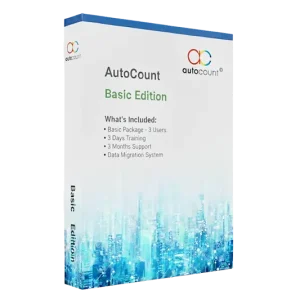
BER Months Promo — Basic Package Starts at ₱199,000 VAT EX Enjoy up to 20% off this holiday season!
Basic Package – 3 Users
3 Days Training
3 Months Support
Data Migration Assistance
Training and Support for Long-Term Success
Not only do we provide setup, but we also include training sessions. Moreover, our Philippine-based support team responds within three hours to keep your operations running smoothly.
Getting Started with AutoCount in 3 Simple Steps
Sign Up – First, choose the edition that matches your business needs.
Implementation – Next, our experts guide you through setup and data migration.
Training & Support – Finally, you receive training sessions and ongoing local support to ensure long-term success.
How AutoCount Helps Small Businesses Succeed
Many SMEs struggle with manual reporting. However, with AutoCount, these processes become automated, which saves time and reduces costly errors. In addition, business owners gain real-time insights that help them grow with confidence.
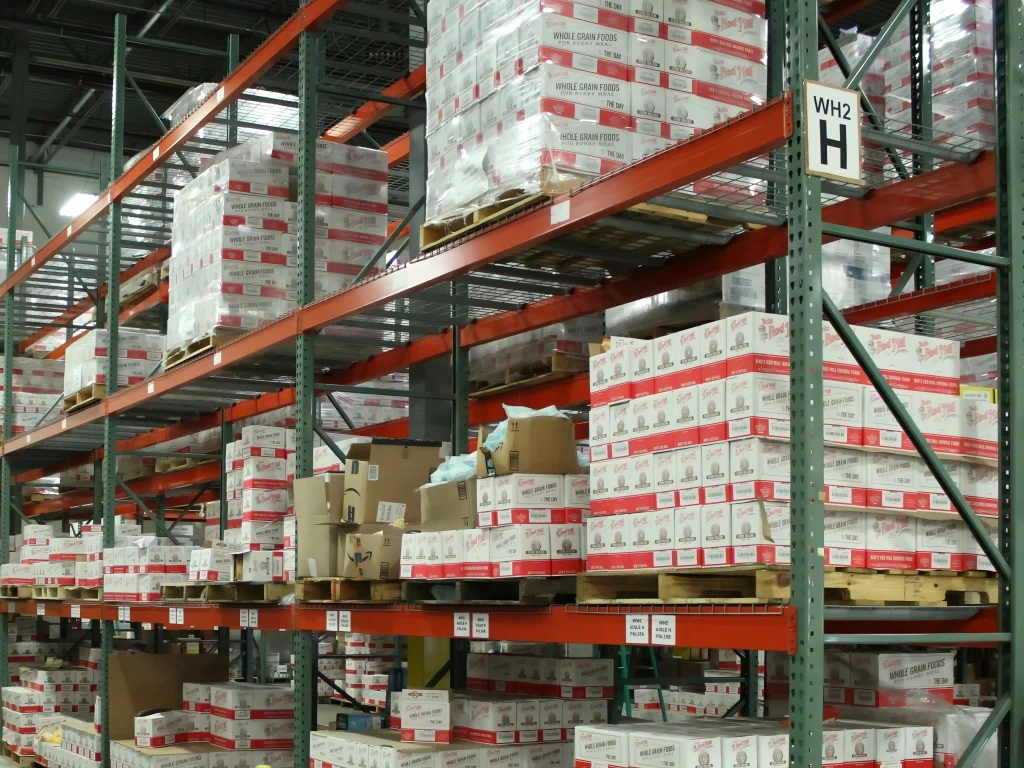
Industries that Benefit from AutoCount



Hear from Our
Satisfied Clients


One-Time Payment, Lifetime Value — with the flexibility to upgrade anytime as your business grows.
The Best Accounting Software for Small Business up to Large Corporations. Select the edition tailored to fit your business needs today!
Pro Edition
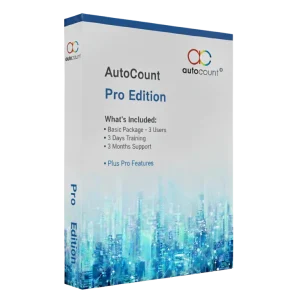
Ideal for businesses with advanced inventory tracking integrated into accounting.
Modules:
Everything in Basic Edition.
+ Activity Stream
+ Advanced Multi-UOM
+ Advanced Quotation
+ Consignment
+ FOC Quantity
+ Landing Cost
+ Multi Location
+ Recurrence (S&P)
+ Scripting
Basic Edition
Built for standard operations and core business needs.
Basic Package Starts at ₱199,000 only!
Modules:
Plug-in
BIR Ready
VAT & Tax Code Wizard
Multi-Currency
BIR Form & Reports
GL, AR, AP, Recurrence GL
Budget & Advanced Report
Formula, UDF
Simple Sales
Simple Purchase
Simple Stock
Complete Sales
Complete Purchase
Complete Stock
Basic Multi-UOM
Premium Edition
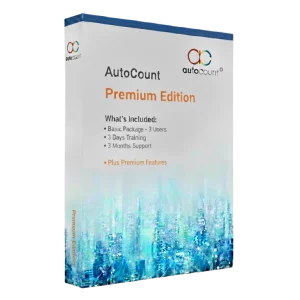
Perfect for businesses requiring advanced functionalities and flexible customizations.
Modules:
Everything in Basic & Pro Edition.
+ Advanced Item
+ Filter by salesman
+ Item Batch
+ Item Package/Template
+ Multi-Dimensional Analysis
+ Remote Credit Control
+ Stock Assembly
Seamless BIR Compliance
Easily meet BIR standards with accurate tax records and reports using the Best Accounting Software for Small Business, ensuring smoother compliance and faster processes.

Let AutoCount Work for You
Reach out today and grab our special deal.
Frequently Asked Questions (FAQs)
How long does it take to learn AutoCount Accounting Software?
You can get up and running with AutoCount Accounting in just 60 minutes! In addition, our self-paced online learning portal at https://ph.autocountsoft.com/academy.html features easy-to-follow video guides are split into bite-sized segments for your convenience. Plus, every new purchase includes 4 training sessions, redeemable within 3 months, to ensure a smooth and hassle-free onboarding experience.
What should I do if I encounter issues with AutoCount Accounting Software?
If you face any issues, our online wiki portal (https://wiki.autocountsoft.com/wiki/Main_Page) has answers to frequently asked questions. You can also reach out to the AutoCount Philippines support team in Manila via live chat, viber, WhatsApp, email, or phone. Our support hours are 9 am to 6 pm, Monday to Friday (except public holidays).
Do I need to manually re-enter my master data (e.g., Customer, Supplier, and Item) into AutoCount Accounting Software?
No manual data entry is needed! AutoCount makes setup easy with Excel templates for fast import of your master files, ensuring a smooth and efficient onboarding process. Plus, for new customers purchasing under this promotion, we’re offering a complimentary master file migration service to save you time and get your accounting software ready for immediate use.